Switching From Vendor Central to Seller Central (1P to 3P)
This post covers how to switch from Vendor Central to Seller Central after Amazon ends your vendor relationship, written from the seat of someone who has run a business on both sides of Amazon's 1P and 3P models. Amazon has been terminating vendor agreements in waves since late 2024, and the most recent round of notices gives vendors a termination date of August 2, 2026. If you received one of these letters, you have a limited window to set up a Seller Central account, take control of your listings, and get inventory in place so your products stay available to Amazon customers without interruption. This post walks through what the termination notice means, what changes when you move from first party (1P) to third party (3P), and the steps to make the switch.
Before Goat Consulting, I spent about two years building my family's manufacturing company, Tjernlund Products, into an Amazon business, first selling on Seller Central as a third-party seller and later moving the catalog onto Vendor Central. You can read that whole story in our Tjernlund Products case study. I've operated inside both Vendor Central and Seller Central, so the move this post describes is one I understand from the operator's seat, not just the consultant's.

Amazon Is Terminating Vendor Central Relationships
If you sell to Amazon as a vendor, your relationship runs on purchase orders. Amazon buys your products at wholesale, owns the inventory, and retails it to customers on the product detail pages you may have spent years building. That model has been shrinking. Amazon started mass-terminating vendor agreements in November 2024, and the terminations have continued in waves since then, mostly affecting small and mid-sized vendors. The current round of notices sets a termination date of August 2, 2026, and the letter vendors are receiving reads like this:
Hello, As part of Amazon's regular review of product offerings and a strategic realignment aimed at optimizing our operations and to better serve our customers, we've made the decision to stop sourcing products from your company. Effective August 2, 2026, our vendor relationship will be terminated. We will not be entering into any new agreements or extending current ones beyond this termination date. If you'd like to continue selling your products on our store, we welcome you to list your items as an independent seller in Amazon's store. As a seller, you would maintain access to the same customer base, and you can choose from fulfillment options, as well as a wide range of tools and services that fit your business needs and support your continued success. If you don't have a seller account, you can Sign Up today. We appreciate your support and understanding during this transition. Contact Us if you have any further questions. The Amazon Vendor Central Team
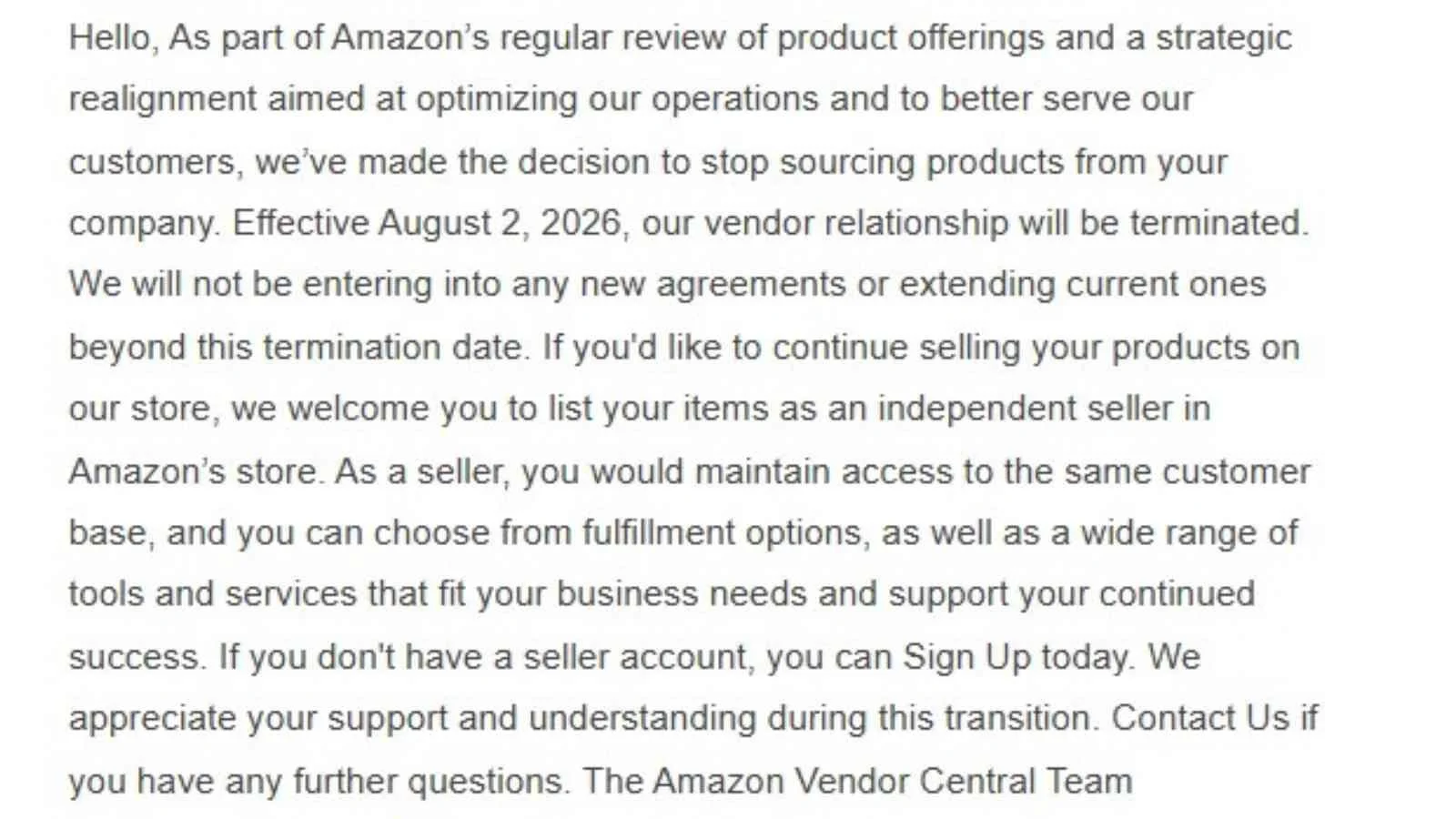
There are a few things worth pulling out of that letter. The termination date is firm, and Amazon won't issue new purchase orders or extend agreements beyond it. The invitation to list your items as an independent seller is the path Amazon expects you to take, and the Sign Up link in the email points to the standard Seller Central registration page. And the letter says nothing about your product listings being removed, because the detail pages stay on Amazon whether or not Amazon itself is sourcing the inventory.
I've seen a real uptick in brands reaching out to us after their vendor account has already been shut down, telling us they don't know what to do next. That's the position you don't want to be in. The hardest version of this transition is the one that starts the day Amazon flips the switch, because by then you're moving to Seller Central out of desperation instead of on a plan. Even if you haven't received a notice yet, it pays to be proactive and keep a backup plan ready, including a Seller Central account you could activate and a rough plan for getting inventory into FBA, so a termination letter becomes a project you execute rather than an emergency you react to.
From the customer's point of view, nothing should change. The same products, the same detail pages, and the same reviews are all still there. Your job during the transition is to make sure nothing does change for the customer, because a listing that goes out of stock for weeks loses sales rank and customer trust that takes months to rebuild.
What Changes When You Move From 1P to 3P
The core difference between 1P and 3P is who owns the inventory and the customer transaction. As a vendor, Amazon was your customer. As a seller, you sell directly to the end customer and Amazon takes a referral fee, which is typically 8% to 15% of the sale price depending on category, plus a $39.99 per month Professional selling plan fee.
The cash flow profile changes in your favor. Vendor invoices typically pay on net 60 or net 90 terms, and they arrive with chargebacks, shortage claims, and co-op deductions taken out. Seller Central disburses your sales proceeds roughly every two weeks. The trade is that you now carry the inventory, set the retail price, manage account health and compliance, and either fulfill orders yourself or pay Amazon to do it through FBA.
When I ran our Vendor Central business, the hardest part was never the payment terms, it was forecasting and picking winners, because getting stuck with the wrong inventory tied up a lot of cash. Seller Central puts that decision back in your hands along with the pricing and the customer relationship, which is more control and more responsibility at the same time. In both cases, I needed to really understand what products the end customer was purchasing to be on top of my inventory management.
Here's what changes when you move from 1P to 3P:
| What changes | As a Vendor (1P) | As a Seller (3P) |
|---|---|---|
| Who you sell to | You sell wholesale to Amazon through purchase orders | You sell directly to the customer; Amazon takes a referral fee |
| Who sets the retail price | Amazon sets the price | You set the price |
| Inventory and risk | Amazon owns the inventory it buys from you | You own and position the inventory |
| Getting paid | Often net 60 to 90, minus chargebacks and deductions | Disbursed about every two weeks |
| Fulfillment | Amazon fulfills every unit | You choose FBA or fulfill it yourself (FBM) |
| Listing and content control | Limited, through Vendor Central | Full control with Brand Registry, including A+ Content and Brand Story |
| Advertising | Amazon Ads | Amazon Ads with a new account |
I covered the full comparison in our post on the differences between Amazon Vendor Central and Seller Central awhile back, so this post sticks to what matters for the transition itself. If Amazon made the decision for you, the question is no longer which model is better. The question is how to land on Seller Central without losing momentum.
How to Switch From Vendor Central to Seller Central
Here are the steps we follow when we help a brand make this transition. The order matters, because several of these steps have waiting periods built in and you want them running in parallel rather than end to end.
1. Confirm Your Termination Date and Final Purchase Orders
Log into Vendor Central and confirm the termination date in writing, then keep fulfilling any open purchase orders through the wind-down. Unfilled POs hurt you twice, once through shortage claims on your final invoices and again through listings that go out of stock before you have a seller offer ready. While you still have access, export everything you'll want later, including your catalog data, sales history reports, and any A+ Content and merchandising assets, because vendor reports don't transfer to a seller account.
2. Set Up Your Seller Central Account
You can sign up for a Seller Central at sell.amazon.com. Choose the Professional plan, since the $39.99 monthly fee pays for itself past 40 units per month and you'll need it for advertising and Brand Registry tools. Register with the same legal business entity and tax information you used as a vendor, because mismatches between your trademark owner, tax records, and seller account create catalog problems later. Account verification includes bank and identity documents and sometimes a video call, so start this the week you receive the notice.
3. Enroll in Amazon Brand Registry If You Haven’t Already
Brand Registry is what gives you control of your listings as a 3P seller, including A+ Content, Brand Story, Sponsored Brands, and brand protection tools. You'll need a registered trademark or a pending application from an approved IP office, and Amazon publishes the current Brand Registry requirements on its site. Approval usually takes a few days to two weeks once you apply. If your brand was enrolled under a different entity during your vendor relationship, sort that out now rather than after your termination date. We covered how to check if you are already enrolled in Brand Registry in an earlier post, and our Amazon Brand Registry services page covers how we help brands through enrollment.
4. Take Control of Your Existing Listings
Don't create new listings. Your ASINs, detail pages, and customer reviews already exist, and reviews stay with the ASIN rather than with your account type. Create seller offers against your existing ASINs so you keep the review history and sales rank those listings have earned. Be aware that your wholesale sales data won't carry into your seller reports, so your seller account starts with a clean slate on metrics even though the listings keep their history. If Amazon blocks you from listing your own brand with error code 5461, it usually means Brand Registry and your seller account aren't connected correctly yet.
5. Choose Your Fulfillment Method: FBA or FBM
As a vendor, every unit you sold shipped with a Prime badge because Amazon fulfilled it. Your customers expect that to continue, which is why most brands making this switch start with FBA. Sending inventory to FBA keeps Prime delivery speeds, protects your conversion rate, and hands customer service and returns to Amazon. Fulfilled by Merchant (FBM) makes sense for oversized products, slow movers, or brands with strong existing warehouse operations, and plenty of brands run both. Factor in FBA fees, inbound placement fees, and receiving lead times, which can stretch to several weeks during peak periods. We walk through this decision in detail with clients through our Amazon FBA and fulfillment consulting service.
6. Set Pricing and Restart Advertising
For the first time, you set the retail price. Price to your brand strategy, but stay aware of Featured Offer (Buy Box) eligibility, which considers price, fulfillment speed, and account health. Your advertising also starts over, because campaigns from the vendor advertising console don't transfer to your seller account. Start with keyword and market research to understand how customers search for your products as a seller, then rebuild Sponsored Products campaigns around your best sellers first, since those listings already have the review base and ranking history to convert traffic efficiently.
7. Plan the Overlap Window
Amazon will keep selling the inventory it already owns until it runs out, which means your new seller offer and Amazon's retail offer may both be live for a stretch. Amazon's own offer usually holds the Featured Offer until its stock sells through, so don't panic when your offer sits behind it, and don't chase Amazon's price down. The goal is timing, meaning your FBA inventory is received and ready the week Amazon's remaining stock runs dry, not a month later. The overlap window is the step I see brands underestimate the most, because it's the one part of the transition that depends on Amazon's clock rather than yours. Watch Amazon's inventory levels on your top ASINs and time your inbound shipments so the customer never sees a gap in availability.
Common Problems During the 1P to 3P Transition
A few issues come up on most of these transitions. Catalog access is the big one, because if your brand was registered under a corporate entity that doesn't match your new seller account, you can find yourself locked out of editing your own listings until the Brand Registry connections are fixed. Catalog cleanup work like incorrect brand names, broken variations, and product ID issues tends to surface here too, since vendor catalogs often carry years of accumulated listing debt. Final vendor invoices are another, since chargebacks, shortage claims, and co-op deductions keep landing on your last payments, and you should dispute the ones that aren't valid while you still have Vendor Central access to do it.
The cash flow flip surprises brands too. As a vendor you shipped against POs and waited to get paid. As a seller you buy and position inventory ahead of sales, which means the first FBA inbound is a real working capital commitment that deserves a plan rather than a guess. I learned that lesson firsthand funding inventory growth on the vendor side, and the discipline of only buying what you can actually sell through matters even more when the cash is yours and the forecasting is yours. And expect a period where sales dip while Amazon's remaining inventory sells through and your offers establish themselves, because budgeting for that dip up front makes it a planned cost instead of a crisis.
At Goat Consulting, we work through these problems with brands as part of our Amazon seller consulting engagements, from account setup and Brand Registry connections through FBA launch planning. If you want help with a 1P to 3P transition or with other aspects of selling on Amazon, please reach out.
Frequently Asked Questions About Switching From 1P to 3P
-
No. Amazon continues to run Vendor Central for many large brands, but it has been terminating vendor agreements in waves since late 2024, mostly for small and mid-sized vendors. Amazon is consolidating its first party business around its largest suppliers and directing everyone else to the third party marketplace through Seller Central. If you received a termination notice, the program isn't ending, but your access to it is.
-
The main drawbacks are loss of control and unpredictable economics. As a vendor, Amazon sets the retail price, so you can lose control of your pricing and your brand's positioning. You also deal with chargebacks, shortage claims, and co-op deductions that chip away at your margins, payment terms that often run net 60 or net 90, and purchase orders that rise and fall with Amazon's forecasting rather than your plan. Many brands moving to Seller Central trade that for direct pricing control, faster payments, and a clearer view of who their customers are.
-
Yes. Many brands run hybrid setups with some products sold to Amazon through purchase orders and others sold directly through Seller Central. After a termination notice, your vendor account winds down on the stated date, but you can open your Seller Central account right away and run both during the transition window. Just don't compete against Amazon's remaining retail inventory on price during the overlap.
-
Yes. Customer reviews belong to the product's ASIN, not to your account type, so when you create seller offers on your existing ASINs the reviews and star ratings stay with the listings. Your wholesale sales history and vendor reports won't transfer, though, so export any data you want to keep from Vendor Central before your access ends.
-
Plan on four to eight weeks for a clean transition. Seller account verification can take a few days to a couple of weeks, Brand Registry approval typically takes days once you have a registered or pending trademark, and your first FBA inbound shipments need time to be received. Start as soon as you get the termination notice rather than waiting for the termination date.
Wrapping Up the Switch From Vendor Central to Seller Central
A vendor termination letter ends a business model, not your business on Amazon. Your listings, reviews, and customers are all still there, and Seller Central gives you more control over pricing, merchandising, and cash flow than you had as a vendor. The work is in the transition itself, so confirm your termination date, get your seller account verified, enroll in Brand Registry, claim your existing ASINs, and time your FBA inventory so the customer never notices the handoff.
Start the week the letter arrives rather than the month before the termination date. Every step in this post has a waiting period attached, and the brands that treat the notice as a project kickoff come out of the transition with sales intact.
Amazon's policies, fees, and program requirements change regularly, so verify current terms in Seller Central and on Amazon's published help pages before making decisions. This post is for general information and isn't legal or financial advice.
About the Author - Will Tjernlund
This post was written by Will Tjernlund, the CMO and co-founder at Goat Consulting. Will helps lead the Goat Consulting team and their clients sell on Amazon by increasing sales, mitigating risk, reducing costs, and solving problems. He has run a business on both sides of Amazon's models, having built his family's manufacturing company into a multi-million dollar Amazon business across Seller Central and Vendor Central, the story we tell in the Tjernlund Products case study. If you want help switching from Vendor Central to Seller Central, or assistance with other aspects of selling on Amazon, please reach out through our Contact Us form.